
What Apache Iggy is: a persistent message streaming platform written in Rust, with QUIC, TCP, WebSocket and HTTP transports.
Iggy is a persistent message streaming platform written in Rust, supporting QUIC, TCP, WebSocket (custom binary specification) and HTTP (regular REST API) transport protocols, capable of processing millions of messages per second at ultra-low latency.
Iggy provides exceptionally high throughput and performance while utilizing minimal computing resources.
This is not yet another extension running on top of existing infrastructure, such as Kafka or SQL database.
Iggy is a persistent message streaming log built from the ground up using low-level I/O with thread-per-core shared nothing architecture, io_uring and compio for maximum speed and efficiency.
The name is an abbreviation for the Italian Greyhound - small yet extremely fast dogs, the best in their class. See the lovely Fabio & Cookie ❤️
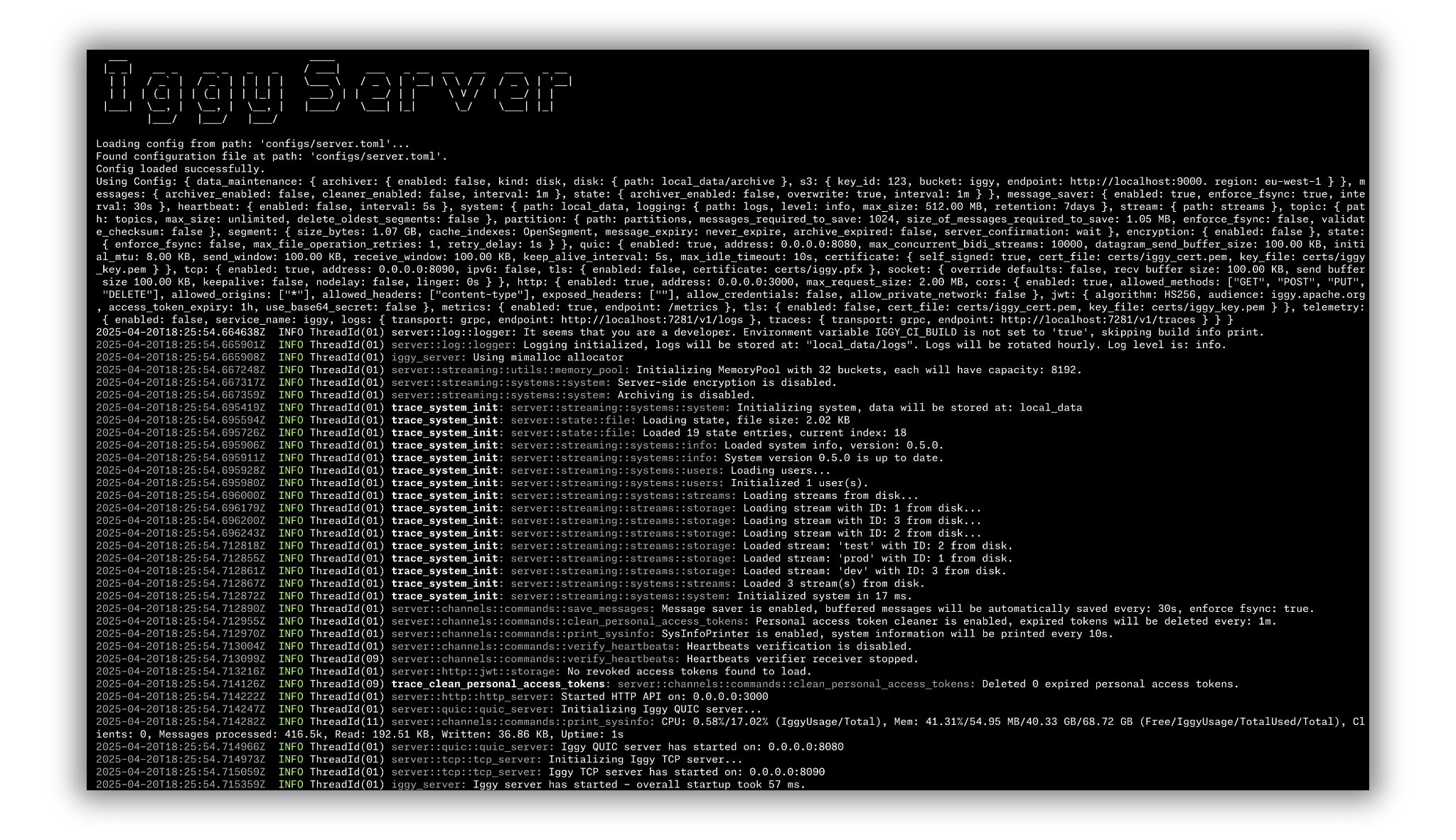
Historical startup screenshot from server 0.5.0. See configuration for the 0.9.0 settings.
Features
- Highly performant, persistent append-only log for message streaming
- Very high throughput for both writes and reads
- Low latency and predictable resource usage thanks to the Rust compiled language (no GC) and
io_uring - Thread per core shared nothing design together with
io_uringguarantee the best possible performance on modernLinuxsystems - NUMA-aware sharding with CPU affinity and memory binding per NUMA node for optimal hardware utilization
- User authentication and authorization with granular permissions, Personal Access Tokens (PAT) and Argon2id password hashing
- Support for multiple streams, topics and partitions
- Support for multiple transport protocols (QUIC, TCP, WebSocket, HTTP)
- Fully operational RESTful API which can be optionally enabled
- Available client SDK in multiple languages
- Works directly with binary data, avoiding enforced schema and serialization/deserialization overhead
- Custom zero-copy (de)serialization, which greatly improves the performance and reduces memory usage
- Custom memory pool with 28 buckets (buffer sizes from 4 KiB to 512 MiB) for on-demand allocation, buffer reuse and sharing without copying buffer contents
- Configurable server features (e.g. caching and transport protocols), plus per-topic segment size, durability and flush thresholds
- Server-side storage of consumer offsets
- Multiple ways of polling the messages:
- By offset (using the indexes)
- By timestamp (using the time indexes)
- First/Last N messages
- Next N messages for the specific consumer
- Optional poll auto-commit, with processing and failure semantics explained in concepts
- Consumer groups distributing partitions across connected clients for horizontal scaling; ordering is per partition, with cooperative partition rebalancing
- Message expiry with auto deletion based on the configurable retention policy
- Multi-tenant support via abstraction of streams which group topics
- TLS support for all transport protocols (TCP, QUIC, WebSocket, HTTPS)
- Connectors - sinks, sources and data transformations based on the custom Rust plugins loaded dynamically at runtime
- Model Context Protocol - provide context to LLM with MCP server exposing 40+ tools for streaming management
- Optional server-side as well as client-side data encryption using AES-256-GCM
- Optional metadata support in the form of message headers
- Prometheus metrics and OpenTelemetry logs & traces in the connector runtime. Server export has known limitations.
- Built-in CLI to manage the streaming server installable via
cargo install iggy-cli --version 0.14.0 --locked - Built-in Web UI dashboard (Svelte) that can be embedded directly in the server binary or run as a standalone container
- Built-in benchmarking app to test the performance, with published results on the benchmarks dashboard
- Single binary deployment without an external broker or database; operating-system libraries are still required by dynamically linked builds
- Accept-time connection distribution for plaintext TCP and WebSocket across shards via file descriptor transfer
- Built on Viewstamped Replication (VSR) consensus: runs as a single node by default, with multi-node clustering available via the
[cluster]configuration
Supported languages SDK
| Language | Package | Registry |
|---|---|---|
| Rust | iggy | crates.io |
| C# | Apache.Iggy | NuGet |
| Java | iggy | Maven Central |
| Python | apache-iggy | PyPI |
| Node.js | apache-iggy | npm |
| Go | iggy-go | pkg.go.dev |
| PHP | apache/iggy-php | GitHub (source build) |
| C++ | iggy-cpp | GitHub (WIP) |
CLI
The interactive CLI is implemented under core/cli, to provide the best developer experience. This is a great addition to the Web UI, especially for developers who prefer using the console tools.
Iggy CLI can be installed with cargo install iggy-cli --version 0.14.0 --locked and then simply accessed by typing iggy in your terminal. It supports named connection contexts (profiles) for managing multiple server connections, shell completions for bash/zsh/fish/elvish/powershell, and session-based login through platform credential stores on Linux, macOS and Windows when the default login-session feature is enabled.
Web UI
The Web UI provides a comprehensive dashboard for the Iggy server, built with SvelteKit and TypeScript. It can run in two modes:
- Embedded - compiled into the server binary (with the
iggy-webfeature and built static assets), served at the/uiendpoint whenhttp.web_ui = true - Standalone - as a separate container via
docker pull apache/iggy-web-ui:0.4.0
Features include stream/topic/partition management, a message browser with JSON/string/XML decoders, and user listing and creation with initial permissions. Editing or deleting existing users and changing their permissions are placeholders. The logs and terminal pages are also placeholders, and the server settings page has a disabled Save action rather than an operational configuration editor.
Connectors
Iggy provides a highly performant and modular runtime for statically typed, yet dynamically loaded connectors. You can ingest data from external sources and push the data to Iggy streams, or fetch data from Iggy streams and forward it to external systems. Create your own Rust plugins by simply implementing either the Source or Sink trait and build custom pipelines for the data processing.
The source tree contains 16 sinks and 4 sources. Sinks include PostgreSQL, MongoDB, Elasticsearch, ClickHouse, InfluxDB, Apache Iceberg, Delta Lake, Quickwit and S3. Sources include PostgreSQL, Elasticsearch, InfluxDB and random data generation. See the connectors documentation for the full catalog.
The docker image is available, and can be fetched via docker pull apache/iggy-connect:0.5.0.
Model Context Protocol
The Model Context Protocol (MCP) is an open protocol that standardizes how applications provide context to LLMs. The Iggy MCP Server is an implementation of the MCP protocol for message streaming infrastructure. It exposes 40+ tools covering streams, topics, partitions, messages, consumer groups, users, and more. It supports both HTTP and stdio transports, making it compatible with tools like Claude Desktop and other MCP clients.
The docker image is available, and can be fetched via docker pull apache/iggy-mcp:0.5.0.
Docker
The official Apache Iggy images can be found on Docker Hub. These docs target server 0.9.0. Use docker pull apache/iggy:0.9.0, or docker pull apache/iggy:edge for a development image. SDK and tooling versions are independent of the server version.
You can also find the images for all the different tooling such as Connectors, MCP Server etc. here.
Please note that the images tagged as latest are based on the official, stable releases, while the edge ones are updated directly from latest version of the master branch.
You can find the development Dockerfile and docker-compose.yml in the root of the repository. Published server images use core/server/Dockerfile. To build and start the server, run: docker compose up.
For the root Compose build, run the included CLI with docker exec -it iggy-server /iggy. In published images, its path is /usr/local/bin/iggy.
Keep in mind that running the container on operating systems other than Linux, where the Docker is running in the VM, might result in the performance degradation.
Also, when running the container, make sure to include the additional capabilities, as you can find in docker-compose file:
cap_add:
  - SYS_NICE
security_opt:
  - seccomp:unconfined
ulimits:
  memlock:
    soft: -1
    hard: -1
Or when running with docker run:
docker run --cap-add=SYS_NICE --security-opt seccomp=unconfined --ulimit memlock=-1:-1 -p 8090:8090 -e IGGY_TCP_ADDRESS=0.0.0.0:8090 -e IGGY_NODE_ADVERTISED_ADDRESS=localhost apache/iggy:0.9.0Helm Charts
Helm charts for Kubernetes deployment are available in the repository. The chart includes templates for Deployment, Service, ServiceAccount, Ingress, PersistentVolumeClaim, ServiceMonitor (for Prometheus), and root user credentials Secret.
Versioning
The official releases follow the regular semver (0.5.0) or have a latest tag applied (apache/iggy:latest).
We also publish edge/dev/nightly releases (e.g. 0.6.0-edge.1 or apache/iggy:edge), for both SDKs and the Docker images. These are typically compatible with the latest changes but are not guaranteed to be stable and, as the name suggests, are not recommended for production use.