
Benchmarking
How Iggy is benchmarked, the tooling that ships with it, and the public platform for comparing results.
Benchmarks should be the first-class citizens. We believe that performance is crucial for any system, and we strive to provide the best possible performance for our users. Please check, why we believe that the transparent benchmarking is so important.
We've also built the benchmarking platform where you can browse published benchmarks and compare results. This is the another open-source project available here.
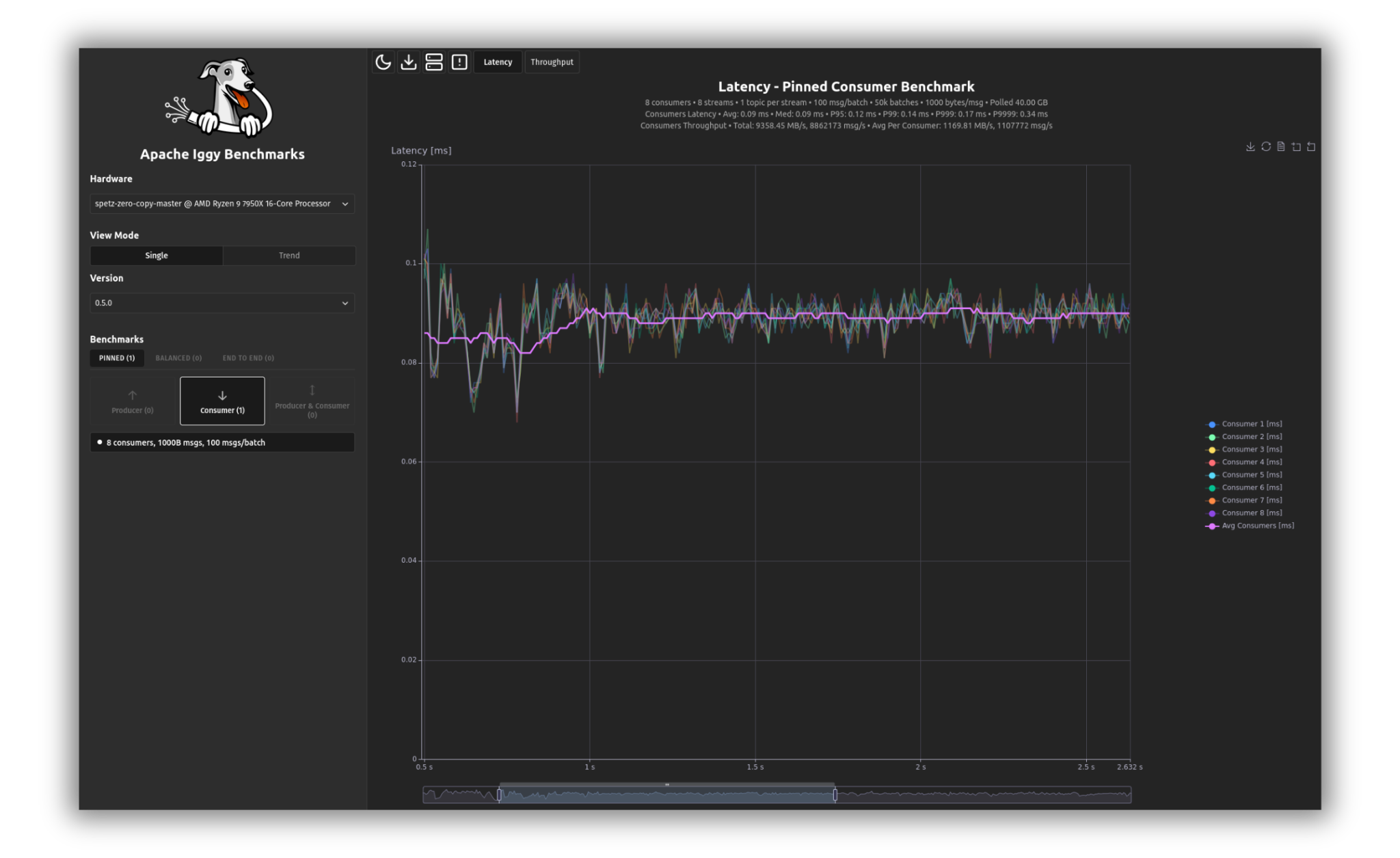
Historical dashboard screenshot showing a 0.5.0 run, not 0.9.0 measurements.
Iggy comes with a built-in benchmarking tool, iggy-bench. It's written in Rust and uses the tokio runtime for asynchronous I/O, mimicking the example client applications, so you can use it to estimate the performance of the server in your environment. It is part of the core repository and lives in the core/bench directory.
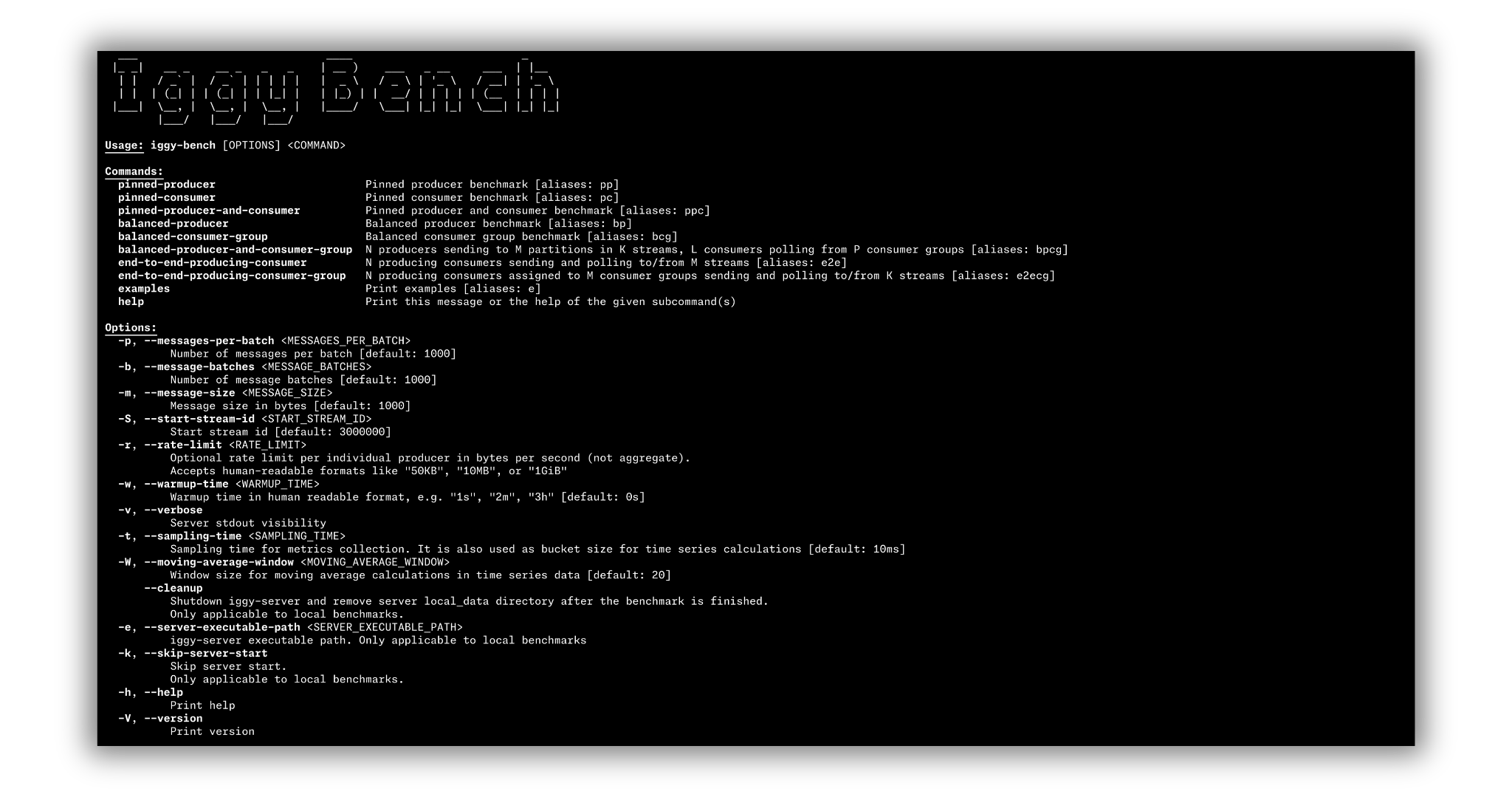
Historical CLI screenshot. Server-start and cleanup flags shown there have been removed; use the commands below and the current iggy-bench --help.
Running benchmarks
First build the project in release mode:
cargo build --releaseiggy-bench doesn't start a server. It only connects, and fails with a connection error when nothing is listening. For a disposable development server with an empty data directory, use the credentials expected by the benchmark defaults:
cargo run --bin iggy-server -r -- --with-default-root-credentialsThis flag affects only the first creation of the root user; existing credentials remain unchanged, and environment variables take precedence. For another server, pass its credentials with iggy-bench -u USER -p PASSWORD before the benchmark kind.
The repo's driver script builds, starts the server, runs a send and a poll benchmark, and shuts the server down. Use it only in a disposable checkout on an isolated host: it deletes local_data and signals matching iggy-server and iggy-bench processes by name.
./scripts/run-benches.shWith a server running, invoke the benchmark kind and transport of your choice. Workloads that produce create their benchmark streams and topics, deleting pre-existing bench-stream-{n} streams unless --reuse-streams is set. Consumer-only workloads (pc and bcg) require those streams and enough messages to exist already. Run the corresponding producer workload first, with matching stream, partition, and message counts.
Benchmark kinds
Eight kinds are available, each with a short alias:
Producer and consumer counts default to six. Pinned workloads also default to six streams. Set explicit counts to match the workload and available CPUs.
-
Pinned producer (
pp): N producers, each sending to its own stream-topic with a single partition:cargo r --bin iggy-bench -r -- pinned-producer tcp -
Pinned consumer (
pc): N consumers, each polling its own stream-topic with a single partition:cargo r --bin iggy-bench -r -- pinned-consumer tcp -
Pinned producer and consumer (
ppc), in parallel:cargo r --bin iggy-bench -r -- pinned-producer-and-consumer tcp -
Balanced producer (
bp): N producers sending to M partitions in K streams with balanced partitioning:cargo r --bin iggy-bench -r -- balanced-producer tcp -
Balanced consumer group (
bcg): N consumers assigned to M consumer groups polling from K partitions:cargo r --bin iggy-bench -r -- balanced-consumer-group tcp -
Balanced producer and consumer group (
bpcg), in parallel:cargo r --bin iggy-bench -r -- balanced-producer-and-consumer-group tcp -
End-to-end producing consumer (
e2e): each task alternates producing and consuming, measuring latency from the messages' producer timestamps:cargo r --bin iggy-bench -r -- end-to-end-producing-consumer tcp -
End-to-end producing consumer group (
e2ecg): N producing consumers assigned to M consumer groups:cargo r --bin iggy-bench -r -- end-to-end-producing-consumer-group tcp
Transports
The transport subcommands are tcp, quic, http, and websocket (alias ws). Consumer-group workloads (bcg, bpcg, and e2ecg) require a binary transport: HTTP consumer-group joining returns FeatureUnavailable, even though the benchmark CLI accepts that combination. Each transport subcommand takes --server-address for a non-default server, for example:
cargo r --bin iggy-bench -r -- pinned-producer tcp --server-address 127.0.0.1:8090Message count, batch size, message size, and both durability flags precede the kind subcommand. Producer, consumer, stream, and partition counts belong to the selected kind. iggy-bench --help and iggy-bench examples show the full surface.
Storing and comparing results
Each transport subcommand accepts a trailing output subcommand that persists the run (raw JSON data and charts):
cargo r --bin iggy-bench -r -- pinned-producer tcp output -o performance_results --identifier my-hostWhen the server address uses localhost or 127.0.0.1, the saved command includes non-secret environment settings from the server configuration catalog. Credentials and unknown IGGY_ variables are omitted.
-o/--output-dir defaults to performance_results. Optional flags (--remark, --gitref, extra info) annotate the run. Generated charts use the in-repo report library (core/bench/report). The runner (core/bench/runner) executes benchmarks across Git revisions. You can browse or compare results in the dashboard (core/bench/dashboard), which also powers the public benchmarking platform. A prebuilt dashboard image is available: docker pull apache/iggy-bench-dashboard:edge.
Performance
The server is thread-per-core and shared-nothing, built on io_uring on Linux (via compio), with shard and CPU pinning configurable under [sharding]. Throughput and latency depend heavily on hardware, transport, and payload shape (messages-per-batch * message-size). Run the benchmarks on your own hardware, or browse current, dated results on the benchmarking platform.
Prepare the host and topic policies
Use the Linux tuning guide to check process limits, swap, huge pages, CPU/NUMA placement, writeback, and network capacity before measuring. Record the exact host settings and change one variable at a time. Use a separate load generator, or disjoint CPU sets when it shares a host with the server.
--durability and --consumer-offset-durability independently default to replicated. Place them before the benchmark kind. For example, this keeps consumer offsets replicated while measuring persisted message acknowledgments:
cargo r --bin iggy-bench -r -- --durability persisted balanced-producer-and-consumer-group tcpAdd --consumer-offset-durability persisted to request that policy too. These are create-time options and have no effect on existing topics with --reuse-streams. Poll auto-commit remains asynchronous, so poll latency is not an acknowledged offset-store measurement. iggy-bench examples shows all benchmark kinds, transports, policy combinations, and available topic-option examples.
Keep both policies, replication-group size, batch and message sizes, CPU allocation, and storage consistent between runs. Run long enough to include flushes and checkpoints, and report tail latency, errors, memory pressure, and client utilization alongside throughput.