
Iggy CLI
The Iggy CLI is a command-line interface that allows you to interact with the Iggy server. You can use the CLI to manage the streams, topics, partitions, messages, users and more. It is part of the core repository under cli directory and is written in Rust.
Installation
Currently, the only way to install the Iggy CLI is by using the Cargo package manager. You can install it by running the following command:
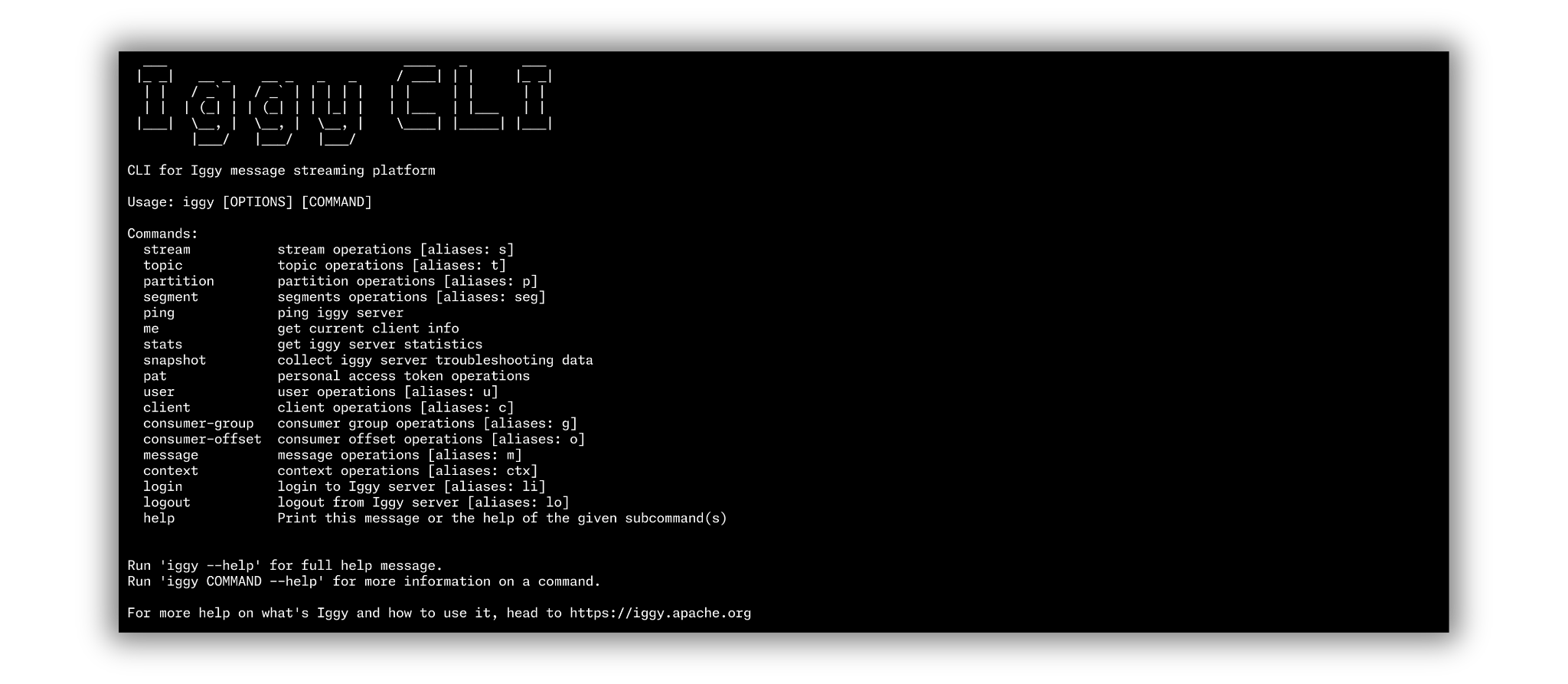
cargo install iggy-cliThen, you can simply invoke the iggy command to see the available options and subcommands.
Global options
| Option | Short | Description |
|---|---|---|
--username | -u | Username for authentication |
--password | -p | Password for authentication |
--token | -t | Personal Access Token |
--token-name | -n | Token name from keyring |
--transport | Transport protocol (tcp, quic, http, websocket) | |
--tcp-server-address | TCP server address (default: localhost:8090) | |
--quiet | -q | Suppress output |
--debug | -d | Enable debug logging to file |
--generate | Generate shell completions (bash, zsh, fish, elvish, powershell) |
Commands
Stream management
# List all streams
iggy -u iggy -p iggy stream list

# Create a stream
iggy -u iggy -p iggy stream create my-stream

# Get stream details
iggy -u iggy -p iggy stream get my-stream

# Update a stream name
iggy -u iggy -p iggy stream update my-stream new-name

# Delete a stream
iggy -u iggy -p iggy stream delete my-stream

# Purge all messages from a stream
iggy -u iggy -p iggy stream purge my-stream
Alias: s (e.g. iggy -u iggy -p iggy s list)
Topic management
# List topics in a stream
iggy -u iggy -p iggy topic list my-stream

# Create a topic with 2 partitions, no compression, 7 day retention
iggy -u iggy -p iggy topic create my-stream my-topic 2 none 7d

# Get topic details
iggy -u iggy -p iggy topic get my-stream my-topic

# Update a topic
iggy -u iggy -p iggy topic update my-stream my-topic new-name

# Delete a topic
iggy -u iggy -p iggy topic delete my-stream my-topic

# Purge all messages from a topic
iggy -u iggy -p iggy topic purge my-stream my-topic
Alias: t
Partition management
# Create 2 additional partitions
iggy -u iggy -p iggy partition create my-stream my-topic 2

# Delete partitions
iggy -u iggy -p iggy partition delete my-stream my-topic 2
Alias: p
Message operations
# Send a message to a specific partition
iggy -u iggy -p iggy message send --partition-id 1 my-stream my-topic "hello world"

# Poll messages from partition 1, starting at offset 0
iggy -u iggy -p iggy message poll --offset 0 --message-count 10 my-stream my-topic 1

# Poll with auto-commit
iggy -u iggy -p iggy message poll --offset 0 --message-count 10 --auto-commit my-stream my-topic 1
Alias: m
User management
# List users
iggy -u iggy -p iggy user list

# Create a user
iggy -u iggy -p iggy user create new-user password123

# Get user details
iggy -u iggy -p iggy user get new-user

# Change password
iggy -u iggy -p iggy user change-password new-user old-pass new-pass

# Delete a user
iggy -u iggy -p iggy user delete new-user
Alias: u
Consumer group management
# List consumer groups for a topic
iggy -u iggy -p iggy consumer-group list my-stream my-topic

# Create a consumer group
iggy -u iggy -p iggy consumer-group create my-stream my-topic my-group

# Get consumer group details
iggy -u iggy -p iggy consumer-group get my-stream my-topic my-group

# Delete a consumer group
iggy -u iggy -p iggy consumer-group delete my-stream my-topic my-group
Alias: g
Consumer offset management
# Get consumer offset
iggy -u iggy -p iggy consumer-offset get my-consumer my-stream my-topic 1

# Set consumer offset
iggy -u iggy -p iggy consumer-offset set my-consumer my-stream my-topic 1 100
Alias: o
Personal Access Tokens
# List tokens
iggy -u iggy -p iggy pat list

# Create a token with 7 day expiry
iggy -u iggy -p iggy pat create my-token 7d

# Delete a token
iggy -u iggy -p iggy pat delete my-token
Cluster operations
# Get cluster info
iggy -u iggy -p iggy cluster list
Alias: cl
Server operations
# Ping the server (health check with latency)
iggy -u iggy -p iggy ping

# Get current client info
iggy -u iggy -p iggy me

# Get server statistics
iggy -u iggy -p iggy stats

# Get client list
iggy -u iggy -p iggy client list

# Create a troubleshooting snapshot
iggy -u iggy -p iggy snapshot
Connection contexts
The CLI supports named connection contexts (profiles) for managing multiple server connections. This is useful when you work with different Iggy environments (dev, staging, production).
# Create/switch to a named context
iggy context set production --tcp-server-address prod-server:8090 -u admin -p secret

# List contexts
iggy context list

# Use a specific context
iggy --context production stream list
Login sessions (Linux only)
On Linux, you can log in for a specific duration and avoid passing credentials with every command:
# Login for 1 hour
iggy -u iggy -p secret login 1h

# Subsequent commands don't need credentials
iggy stream list
iggy topic create my-stream my-topic 2 none 7d

# Logout
iggy logout
Shell completions
Generate shell completions for your preferred shell:
iggy --generate bash > /etc/bash_completion.d/iggy
iggy --generate zsh > ~/.zfunc/_iggy
iggy --generate fish > ~/.config/fish/completions/iggy.fish